
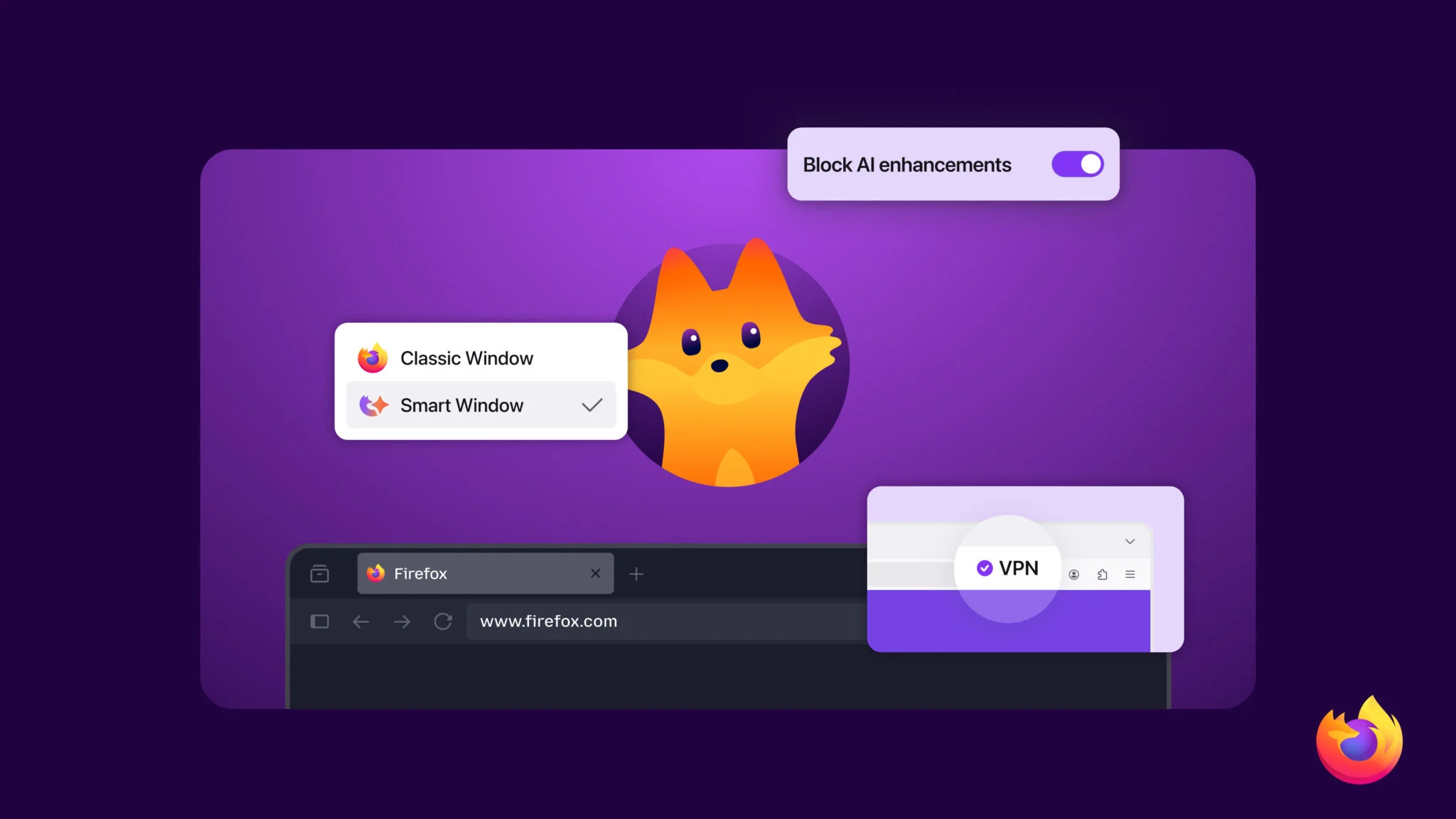
Mozilla is baking a free VPN directly into Firefox, promising one‑click IP masking for millions of users and raising fresh questions about what “private” means in the browser era. The feature arrives March 24 with Firefox 149, offering a capped but no‑cost way to hide your IP address without installing extensions or separate VPN apps, at least if you live in the US, UK, Germany, or France.
What exactly is Firefox’s “free VPN”?
Mozilla’s new tool arrives with Firefox 149 under the label of a free, built‑in VPN, but technically it behaves more like a browser‑level proxy.
Key points:
- It routes Firefox traffic through a Mozilla‑run proxy, masking your IP address and apparent location from websites you visit.
- It is integrated into the browser UI, no separate extension, installer, or external client.
- At launch, you get 50GB of protected browsing data per month, free of charge.
- It’s initially available only in the US, UK, Germany, and France, as part of a phased rollout.
Mozilla says the feature is grounded in its long‑standing data‑minimization principles: the company stresses that it doesn’t sell personal data, and that the VPN logic is designed so it doesn’t know which sites you visit.
What Mozilla has not fully detailed yet is the underlying encryption and infrastructure partner. Early coverage notes that the system works at the browser layer and that proxies are not necessarily encrypted end‑to‑end in the same way as a classic VPN tunnel.
What it does for your privacy
Used correctly, the built‑in VPN is a real upgrade over doing nothing, especially on public or semi‑trusted networks.
It can help you:
- Hide your IP and rough location from sites, trackers, and Wi‑Fi operators when you browse in Firefox.
- Reduce some forms of cross‑site tracking that rely on IP‑based fingerprinting, when combined with Firefox’s existing anti‑tracking tools.
- Add a light layer of anonymity if you’re checking email, banking or news from airport or café Wi‑Fi.
Because it’s built into Firefox, you also avoid many of the “free VPN” red flags, unclear logging policies, data resale, or aggressive ads, that plague third‑party services. Mozilla’s branding and previous privacy track record are a big part of the pitch.
For everyday users who just want their browsing to be less trackable with minimal setup, this is exactly the kind of low‑friction tool privacy advocates have been pushing for.
What it doesn’t do (and when you still need a VPN)
Firefox’s new feature is not a full replacement for a system‑wide VPN, and Mozilla’s own messaging and outside reviewers are clear about the limits.
You should be aware that:
- Protection stops at the browser window. Your email client, torrent app, games, streaming apps, and system updates all continue to use your real IP.
- Heavy video streaming or large downloads inside Firefox will chew through the 50GB cap quickly; after that, traffic falls back to normal.
- It is not designed for advanced use cases like evading government‑level censorship, securing all device traffic in a hostile environment, or tunnelling into corporate networks.
Tech outlets and VPN specialists suggest that users who need broader protection or more data should still look at standalone services, whether Mozilla’s own paid Mozilla VPN or third‑party options like Proton VPN Free and hide.me Free.
In short: think of Firefox’s built‑in VPN as a good default seatbelt for browsing, not an armored car for everything your device does.
How it fits into Firefox’s bigger 2026 overhaul
The free VPN is landing as part of one of Firefox’s most ambitious refreshes in years.
Alongside it, Firefox 149 adds:
- Smart Window (previously AI Window): an opt‑in side panel that can summarize articles, define terms, and compare products on‑page, without sending you to separate AI sites.
- Split View: a native way to view two sites side‑by‑side in a single window, handy for research, shopping, or documentation.
- Tab Notes: small notes you can pin to individual tabs so you can remember why a page is open and what you need from it.
Ajit Varma, head of Firefox, says the roadmap for 2026 is focused on “features that give users real power, choice and strong privacy protections,” including new open standards in the Gecko engine and a visual refresh with a new mascot, Kit.
Those extras matter because they show Mozilla’s strategy: compete with Chrome and Edge not by matching every cloud service, but by doubling down on privacy and user‑centric tools inside the browser itself.
Should you use it?
If you’re in one of the launch countries and already use Firefox, turning on the built‑in VPN is a low‑effort way to make casual browsing more private, especially on public Wi‑Fi or if you’re tired of every site knowing roughly where you live.
You’ll still want a separate, full VPN if:
- you need all apps on your device to be tunneled
- you travel to or work from high‑risk environments
- you stream or download heavily and will blow past 50GB quickly
But for most people, Firefox’s new feature lowers the barrier to getting some meaningful privacy by default, and that alone makes it one of the more consequential browser updates in recent memory.